
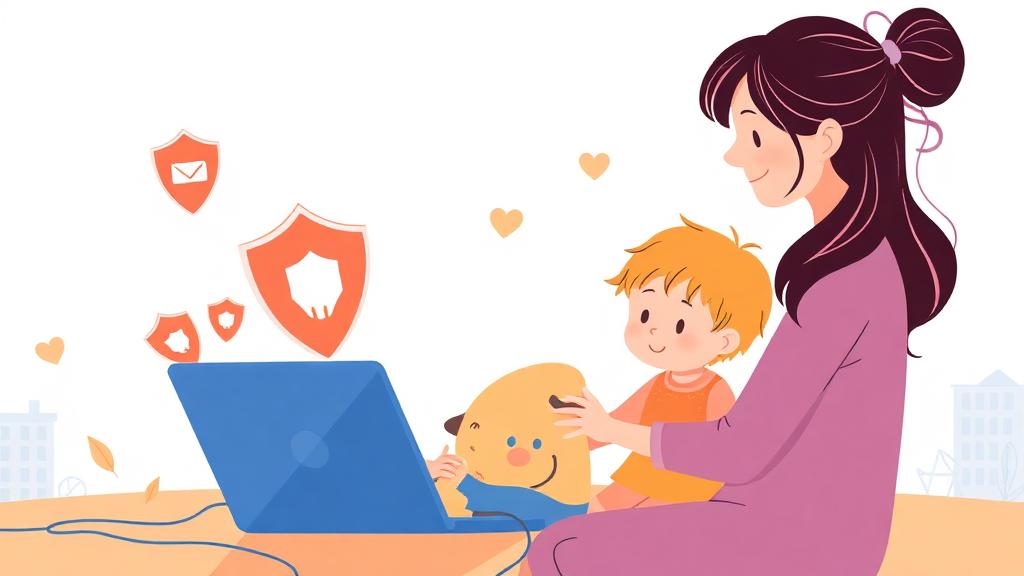
The internet is like a giant amusement park: thrilling, full of cool things to explore, but not without its funhouse mirrors and questionable carnival games. As parents or educators, we want kids to enjoy this digital playground while staying safe. The challenge? Teaching them the rules of online safety without turning it into a horror story. (Because let's be honest, "The Internet Is Out to Get You" isn't exactly comforting bedtime material.)
Here's how to explain internet safety to young ones in a way that's gentle, empowering, and maybe even a little fun.
1. The Internet Is a Neighborhood
Start with a relatable analogy:
"The internet is like your neighborhood. There are friendly neighbors, parks to play in, and cool places to visit. But there are also some places you shouldn't go and people you don't know."
This sets the stage for a conversation about boundaries and awareness without doom-and-gloom predictions. Frame it as an opportunity to be a savvy explorer.
2. Stranger Danger, But Make It Digital
Explain the concept of strangers online in a calm, matter-of-fact way:
"Not everyone on the internet is who they say they are. It's like someone wearing a costume at Halloween-they might look like a superhero, but they're still a stranger underneath."
Emphasize that it's okay to be curious but not to engage with people they don't know, just like they wouldn't share personal information with a stranger at the park.
3. Privacy Is Your Shield
Rather than presenting privacy as something to fear, make it a superpower:
"Your personal information is like treasure. You wouldn't just hand out your treasure to anyone, right? You keep it safe so only people you trust can see it."
Teach them to guard:
- Full names
- Addresses
- School names
- Passwords
And explain why, in simple terms: "Keeping this info private helps keep you and your family safe."
4. Good Choices = Good Vibes
Shift the focus from avoiding danger to making positive choices:
- "Stick to websites and apps we've approved together."
- "If something feels weird or makes you uncomfortable, tell me so we can figure it out."
- "Be kind online, just like you are in person."
This approach builds confidence rather than fear, showing kids they're capable of navigating the web responsibly.
5. Make It Interactive
Kids learn best when they're involved, so make internet safety a hands-on activity:
Create a "Safe Browsing Checklist": Sit down together and list out safe sites, approved apps, and guidelines for using them.
Practice "What If" Scenarios: Ask questions like, "What would you do if someone asked for your name online?" and brainstorm answers together.
Explore Together: Show them how to check for a secure site (hello, padlock icon!) or adjust privacy settings on apps.
6. Teach "The Pause Rule"
When in doubt, pause. Teach kids to take a moment before:
- Clicking on unfamiliar links
- Downloading files or apps
- Responding to messages from people they don't know
Explain it as "thinking like a detective": "Before you act, ask yourself, does this feel safe and right?"
7. Celebrate Their Smart Choices
Kids thrive on positive reinforcement, so praise their efforts:
- "Great job checking with me before trying that new game!"
- "I'm so proud of how careful you are with your passwords."
By focusing on their successes, you'll help them feel confident and motivated to keep up those good habits.
8. Be the Safety Net
Remind them that they can always come to you without fear of judgment or punishment:
"If something ever makes you uncomfortable online, tell me. We'll handle it together, no matter what."
This reassurance is crucial for building trust and ensuring they feel comfortable seeking help when they need it.
Wrapping It Up: Empower, Don't Terrify
Internet safety doesn't have to be a scary subject. By framing it as an adventure-where they get to be explorers, detectives, and superheroes-you'll equip kids with the tools they need to navigate the digital world confidently and safely.
And who knows? With your gentle guidance, they might just grow up to be the internet's next great protector. (Or at least someone who doesn't fall for the "Click here to claim your free pony" scam.)