
Apparently, cybercriminals have discovered something corporate marketing departments have known for years: Nothing motivates people quite like a deadline and the threat of losing something important.
Except criminals have fewer meetings, no approval process, and apparently a very aggressive email campaign manager.
On November 12, Microsoft 365 experienced a significant outage that disrupted access to Outlook, Exchange Online, and other Microsoft services. Businesses couldn't reliably access email, employees couldn't get work done, and IT departments were having the kind of day that makes a career in goat farming sound appealing.
Microsoft attributed the disruption to a technical infrastructure problem, not a cyberattack.
But while Microsoft was working to restore service, someone else spotted an opportunity.
On November 13, Microsoft Threat Intelligence identified a coordinated phishing campaign using the outage as bait.
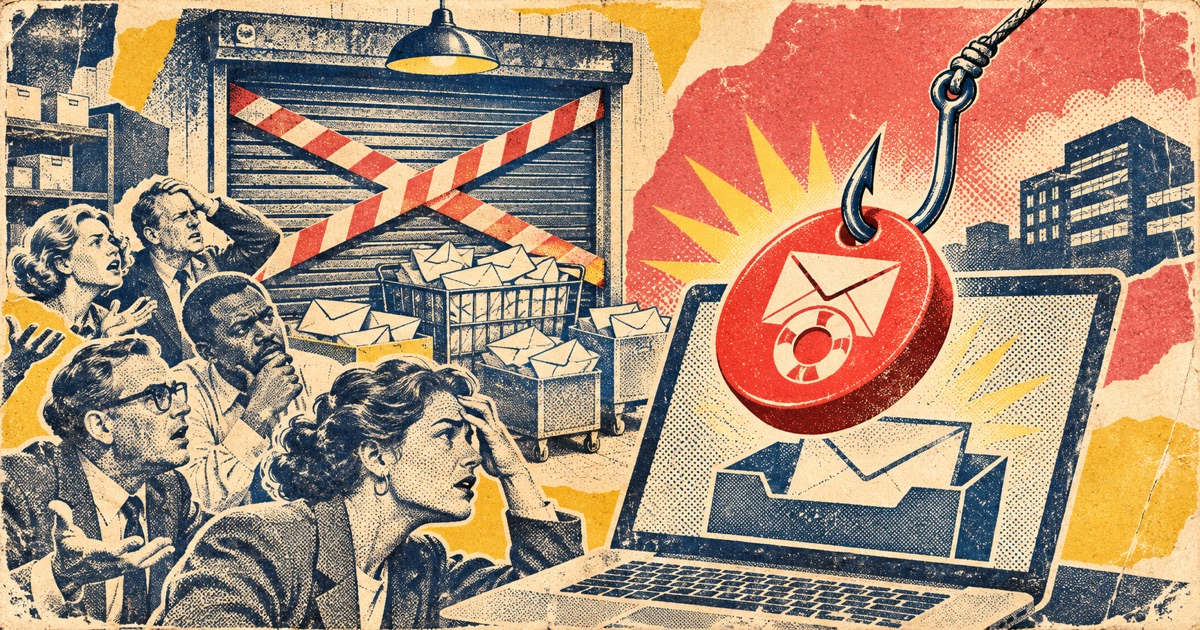
The attackers sent emails impersonating legitimate Microsoft 365 service-health notifications. The messages warned that emails had been held during the outage and would be permanently deleted unless recipients took action within 24 hours.
The prominently displayed solution?
RESTORE MESSAGES.
Because nothing says “trustworthy technology support” like an urgent button promising to rescue your inbox from certain death.
The Outage Was Real. The Emergency Was Manufactured.
Here's what made this particular campaign clever.
The criminals didn't need to invent a fictional crisis. They used an actual disruption that millions of people were already hearing about.
People were frustrated. Some genuinely couldn't access their email. Organizations were scrambling to understand what was happening.
Then a message arrived offering an explanation and a simple fix.
That's the scammer's sweet spot.
The phishing emails referenced legitimate Microsoft products, including Exchange Online, Outlook, Teams, SharePoint, and Copilot. Some used subject lines beginning with “Outage” followed by random characters. Others impersonated service-health notifications.
The attackers also used tracking and redirect links, leading recipients away from Microsoft's legitimate infrastructure.
Microsoft assessed the campaign as likely intended to steal login credentials. Importantly, its published investigation did not establish that credentials were successfully stolen or that malware was delivered through the observed messages.
The phishing campaign itself was confirmed. The ultimate outcome of individual attempts was not.
We don't have to exaggerate that distinction. A real attempt to trick people into handing over account access is already bad enough.
Why Outages Make Such Excellent Scam Material
Most phishing scams rely on one or more emotional triggers:
Fear: Something terrible is about to happen.
Urgency: You have to act immediately.
Authority: The message appears to come from someone important.
Convenience: There's a nice, easy button that supposedly solves everything.
This campaign combined all four.
And unlike the traditional Nigerian-prince scam, this one arrived with a believable reason for existing.
Someone who'd spent the afternoon unable to access Outlook might reasonably wonder whether delayed messages had gotten stuck somewhere.
Attackers count on that uncertainty.
The purpose of a phishing email isn't necessarily to look suspicious. It's to look just credible enough at precisely the moment your defenses are down.
This is why telling people to “just look for spelling mistakes” is terrible security advice.
It's 2026. Criminals have spell-check. Many have access to generative AI. They can produce professionally written messages faster than most organizations can schedule a meeting about updating their email templates.
What Happens if You Fall for It?
A stolen Microsoft 365 password can potentially provide access to much more than an inbox.
Depending on the account and its security controls, an attacker might gain access to business documents, customer communications, cloud files, internal conversations, or financial information.
A compromised email account also creates opportunities for further attacks.
Imagine a criminal gaining access to someone's business mailbox and using it to send a payment request to an existing customer.
The sender is familiar. The conversation history is real. The language matches previous correspondence.
That's business email compromise, and it's one reason an email password isn't just an email password anymore.
Attackers may also create forwarding rules or manipulate inbox settings to hide messages or maintain visibility into an account.
Again, Microsoft has not confirmed those outcomes from this specific November 13 campaign. These are known consequences organizations should investigate when credentials are compromised.
How to Protect Yourself When a Service Goes Down
Here's the important part.
1. Verify the outage independently
Don't use a link inside an email to investigate whether the email is legitimate.
For Microsoft, check Microsoft's official service-health page. Business users can also check with their organization's IT administrator.
For other services, use the company's official app, website, or established support channel.
2. Treat emergency recovery links as suspicious
An unsolicited message claiming your data will disappear unless you act immediately should trigger skepticism.
Especially if it's asking you to sign in.
You can always open the service directly instead of following the message's instructions.
3. Use a passkey or multifactor authentication
A strong, unique password is essential, but authentication methods matter too.
Passkeys and phishing-resistant security keys offer stronger protection against fake login pages than passwords alone.
Authenticator apps can provide an additional layer, although criminals can sometimes trick people into sharing one-time codes.
Never give someone a login verification code because they contacted you unexpectedly.
4. If you entered your password, respond immediately
Don't panic, but don't ignore it.
- Open the real account website directly and change your password.
- Contact your organization's IT or security team if it was a work account.
- Review recent sign-ins and connected devices.
- Have administrators investigate suspicious inbox rules, forwarding settings, and sessions.
- Change that password anywhere else you reused it.
If you only clicked a link but didn't enter information, your risk is different. Report the incident, keep your browser and device updated, and follow your organization's security guidance.
5. Warn other people
If you receive a convincing fake outage notification, someone else probably will too.
Report the message through your organization's security process or your email provider's phishing-reporting feature.
And if a family member receives a similar message, help them verify it rather than simply telling them they should have known better.
The Lesson Nobody Wants to Hear
Our dependence on technology has created a second problem beyond outages themselves.
When a service fails, the confusion becomes an attack surface.
Criminals don't need to cause a disaster to profit from it. They just need to be the first people offering an apparently helpful solution.
Sometimes that's a fake Microsoft email. Sometimes it's a fraudulent bank-support number. Sometimes it's a message claiming your package is stuck.
Different costume. Same scam.
So the next time a major platform goes down and a mysterious email arrives promising to fix everything?
Before clicking anything, remember:
The company may be having technical difficulties. The criminals definitely aren't.
Sources
- Microsoft Security Research — November 16, 2026 phishing campaign analysis
- Microsoft service-health status
- FTC — How to recognize and avoid phishing scams