
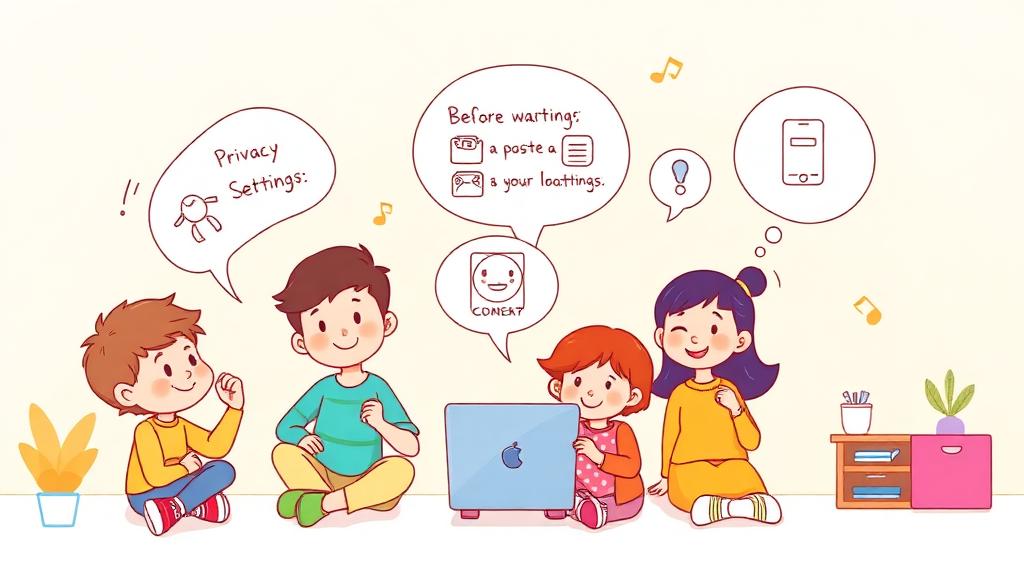
In the real world, sharing is often a sign of kindness-offering toys, snacks, or advice to friends. But in the digital world, sharing too much can sometimes be risky. Oversharing personal details, photos, or even your location can lead to problems like unwanted attention or stolen information.
Let's dive into scenarios where sharing can go wrong, and teach kids how to think twice before they post.
Why Oversharing Can Be Dangerous
When kids share too much online, they might:
- Reveal Private Information: Like their home address, school name, or daily routines.
- Attract Unwanted Attention: From strangers or cyberbullies.
- Create a Digital Footprint: Posts can last forever, even if they're deleted later.
- Risk Account Security: By posting things like passwords or clues to security questions.
The Think-Before-You-Post Rule
Before posting anything, ask these five questions:
- T: Is it True?
- H: Is it Helpful?
- I: Is it Inspiring?
- N: Is it Necessary?
- K: Is it Kind?
If the answer is "no" to most of these, it's better not to share.
Scenarios to Teach Online Boundaries
1. Posting Your Vacation Plans
Scenario: You're excited about your family trip to the beach and want to post, "We're leaving tomorrow for a week at Sunny Shores!"
Why It's Risky: Strangers could see that your house will be empty, making it a target.
Better Approach: Post pictures after you return, with captions like, "We had an amazing time at Sunny Shores!"
2. Sharing Your Location
Scenario: You post a photo from your favorite local park with the caption, "Hanging out at Greenfield Park!"
Why It's Risky: Sharing your current location could let strangers know where to find you.
Better Approach: Share the photo later without mentioning the location.
3. Posting Group Photos
Scenario: You post a picture of your class trip, but one of your friends doesn't want their photo online.
Why It's Risky: You might accidentally share someone else's private information.
Better Approach: Ask for permission before posting photos that include others.
4. Sharing Personal Details in Games
Scenario: While chatting with friends in an online game, someone asks, "What's your school name?"
Why It's Risky: Sharing personal details can make it easier for strangers to figure out where you are.
Better Approach: Keep the conversation about the game and avoid personal topics.
What Should You Never Share Online?
Here's a simple list of information that's best kept private:
- Full name
- Address or location
- Phone number
- Birthdate
- School name
- Passwords or security questions
- Personal photos that reveal too much (like uniforms or school logos)
Building Healthy Sharing Habits
1. Pause Before You Post
Encourage kids to pause and think about who might see their post.
Tip: "If you wouldn't show it to a stranger in person, don't share it online."
2. Use Privacy Settings
Adjust privacy settings on social media and apps to control who can see posts.
Activity: Go through privacy settings together and explain what each one does.
3. Share With Trusted People
Keep sensitive information limited to close friends and family.
Tip: Use private messages or family chats for personal updates.
4. Understand Your Digital Footprint
Explain that everything posted online leaves a trail.
Tip: Ask kids, "Would your future self or a teacher be okay seeing this post?"
Activities to Reinforce Online Boundaries
1. Sharing Scenarios Game
Present different scenarios (like the ones above) and ask, "Would you share this? Why or why not?"
Discuss the risks and better options for each situation.
2. Digital Footprint Detective
Have kids look through old posts or messages and identify anything they might not want others to see.
Discuss how they can avoid similar oversharing in the future.
3. Privacy Poster
Create a colorful poster with the Think-Before-You-Post Rule and hang it near the computer or device area as a reminder.
The Role of Parents
Parents can guide kids in developing strong online boundaries by:
- Modeling Safe Sharing: Be mindful of what you post about your family online.
- Discussing Risks: Talk openly about why certain details shouldn't be shared.
- Setting Rules: Create family guidelines for sharing information online.
Key Takeaways for Kids
- Pause Before Posting: Always think about who might see your post.
- Keep Private Info Private: Your personal details aren't for everyone.
- Be Smart About Sharing: A little caution goes a long way in staying safe.
Final Thought: Sharing Wisely
While sharing online can be fun, it's important to set boundaries and protect personal information. By practicing healthy sharing habits, kids can enjoy the digital world while staying safe and secure.
So next time they're about to post, remind them: Sharing isn't always caring-think before you click! 🛡️✨