
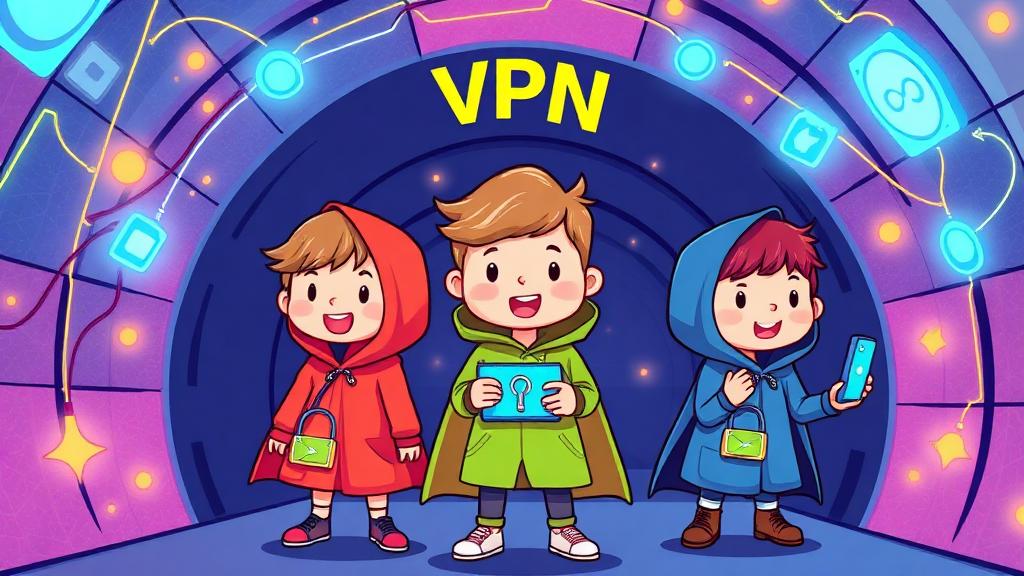
Imagine you're walking to the park, and everyone along the way can see where you're going and what you're carrying. Now imagine wearing an invisible cloak that hides you and your stuff. Cool, right? That's kind of what a VPN (Virtual Private Network) does when you're browsing the internet.
VPNs are like digital cloaks that keep your online activities private and safe, even when you're using public Wi-Fi. Let's explore what VPNs are, how they work, and why they're an essential tool for kids to stay safe online.
What Is a VPN?
A VPN stands for Virtual Private Network. It's a tool that creates a secure, private connection between your device and the internet. Think of it as your personal secret tunnel that keeps snoopers, hackers, and advertisers from seeing what you're doing online.
How a VPN Works (Kid-Friendly Version)
Imagine sending a letter in a sealed envelope instead of an open postcard. A VPN "seals" your internet activities so others can't read them.
Instead of going directly to a website, your connection travels through a secret pathway (the VPN server) before reaching its destination.
Why Do Kids Need a VPN?
While kids might not deal with sensitive work documents or financial data, they still need to protect their online privacy. Here's why VPNs are helpful:
1. Protects Personal Information
VPNs keep your location, IP address, and browsing history private, which helps stop snoopers from tracking you.
2. Secures Public Wi-Fi
If you connect to Wi-Fi at a coffee shop, library, or airport, a VPN protects your data from hackers who might be lurking on the same network.
3. Stops Annoying Ads
VPNs can block trackers that gather data to show you targeted ads.
4. Bypasses Restricted Content
Some games or shows might not be available in your region. A VPN can help access them safely (with parental approval).
Explaining VPNs with Fun Analogies
1. The Invisible Cloak
When you use a VPN, it's like putting on a magical cloak that hides you from digital snoopers.
2. The Secret Tunnel
A VPN is like taking a hidden tunnel to your favorite park instead of walking in plain sight.
3. The Spy-Proof Box
Imagine putting your personal data in a locked box. The VPN encrypts (locks) the box so no one else can open it.
When Should Kids Use a VPN?
Here are a few situations where using a VPN is a smart idea:
- On Public Wi-Fi: When using Wi-Fi at a coffee shop, library, or friend's house.
- While Traveling: If they're logging into accounts from a different place.
- For School Projects: If they need to research sensitive topics online.
How to Use a VPN
VPNs are easy to set up, even for beginners. Here's a step-by-step guide:
- Choose a Trusted VPN: Parents should select a kid-friendly, reliable VPN service. Examples include NordVPN, ExpressVPN, or family-focused options like Qustodio VPN.
- Install the App: Download the VPN app on the device (phone, tablet, or computer).
- Turn It On: Open the app and press the "connect" button. The VPN will create a secure connection automatically.
- Pick a Server (Optional): Some VPNs let you choose a server location for extra control.
Teaching Kids VPN Basics
Use these fun activities to make VPNs easy to understand:
1. Build a "VPN Tunnel" Game
Create a simple obstacle course that represents an "open connection" with lots of distractions (like fake ads or snoopers).
Add a "secret tunnel" (a blanket fort or a simple path) that represents the VPN. Show how the tunnel gets them safely to their goal.
2. The Locked Box Activity
Give kids a "locked box" (a shoebox with a lid) and explain that it represents their private data.
Only the right "key" (VPN encryption) can unlock it. Snoopers can't see what's inside.
3. Map the VPN Journey
Draw a map showing how a regular internet connection goes from their device straight to a website.
Add a "VPN detour" showing the connection going through a secure server before reaching the website.
The Golden Rules of VPN Use
Help kids remember these simple tips:
- Ask Before Using: Always check with a parent or guardian before turning on the VPN.
- Use It for Privacy, Not Pranks: A VPN is a tool for safety, not for bypassing family rules or school policies.
- Turn It Off When Not Needed: VPNs can slow down connections slightly, so they're best used when privacy is most important.
The Role of Parents
Parents should guide kids in using VPNs responsibly by:
- Choosing a Reliable Service: Look for VPNs that prioritize privacy and are easy to use.
- Explaining the Why: Help kids understand how VPNs protect them and when to use them.
- Monitoring Usage: Make sure the VPN is being used for appropriate purposes.
Key Takeaways for Kids
- A VPN Protects Your Privacy: It's like an invisible cloak for your online activities.
- Use It on Public Wi-Fi: Especially when you're not at home or school.
- It's Easy to Use: Just press a button, and your connection is secure.
Final Thought: Safe Browsing Starts with You
Using a VPN is like having a superhero tool in your digital safety kit. It helps kids browse securely, protect their personal information, and stay safe online. By introducing VPNs in a fun, simple way, we can empower kids to be smart, responsible internet users.
So, grab your digital cloak and start exploring the internet-safely and securely! 🕵️♀️🛡️✨